Build
Creator
Scenes and panorama generation
Write sharper scene prompts, choose the right generation quality, import your own panoramas, and stop wasting credits on regeneration.
EducationMuseum or exhibitStoryworldProduct showroomTravel or real estateTraining
Goal
Produce panoramas that are specific, navigable, and rich with hotspot opportunities — places visitors want to explore, not generic backdrops they glance past.
When to use it
- You are writing or revising a scene prompt.
- You need to choose between low, medium, and high generation quality.
- You already have your own 360-degree image and want to import it directly.
Step-by-step walkthrough
- Give every scene a clear name that names the place or the moment — 'Engine Room at Dawn' beats 'Scene 4.'
- Write a prompt with five ingredients: the subject, the physical layout, the atmosphere, the visual anchors, and likely transition cues toward other scenes.
- Attach references whenever a style, object, product, or location has to stay consistent across scenes.
- Pick quality to match the stage: low for quick draft checks, medium for normal iteration, high for your final hero scenes.
- Import a panorama whenever you already own a suitable equirectangular 360-degree image — no need to generate.
- After generation, study the result for a clear foreground, midground, and background, and for spots where hotspots could live.
Best practices
- Include at least one obvious landmark in every scene that can become a hotspot anchor.
- Avoid prompts that only describe a mood — always give the AI concrete spatial detail.
- Regenerate for genuine structural problems, not tiny matters of taste.
- Let scene story text support the panorama with what the eye cannot see — don't just describe the image again.
Avoid these mistakes
- Using portrait or flat-image language for what is actually a wraparound 360-degree panorama.
- Jumping to high quality before the prompt itself has been tested at a lower setting.
- Making every scene visually spectacular but confusing to navigate.
Go deeper
- A good panorama prompt reads like a description of a real place, not a caption for an illustration.
- The most useful scenes plant cues that help a visitor decide where to look — and where to go — next.
- Imported panoramas still need scene copy, hotspots, and the same publishing checks as generated ones.
Screenshot callouts
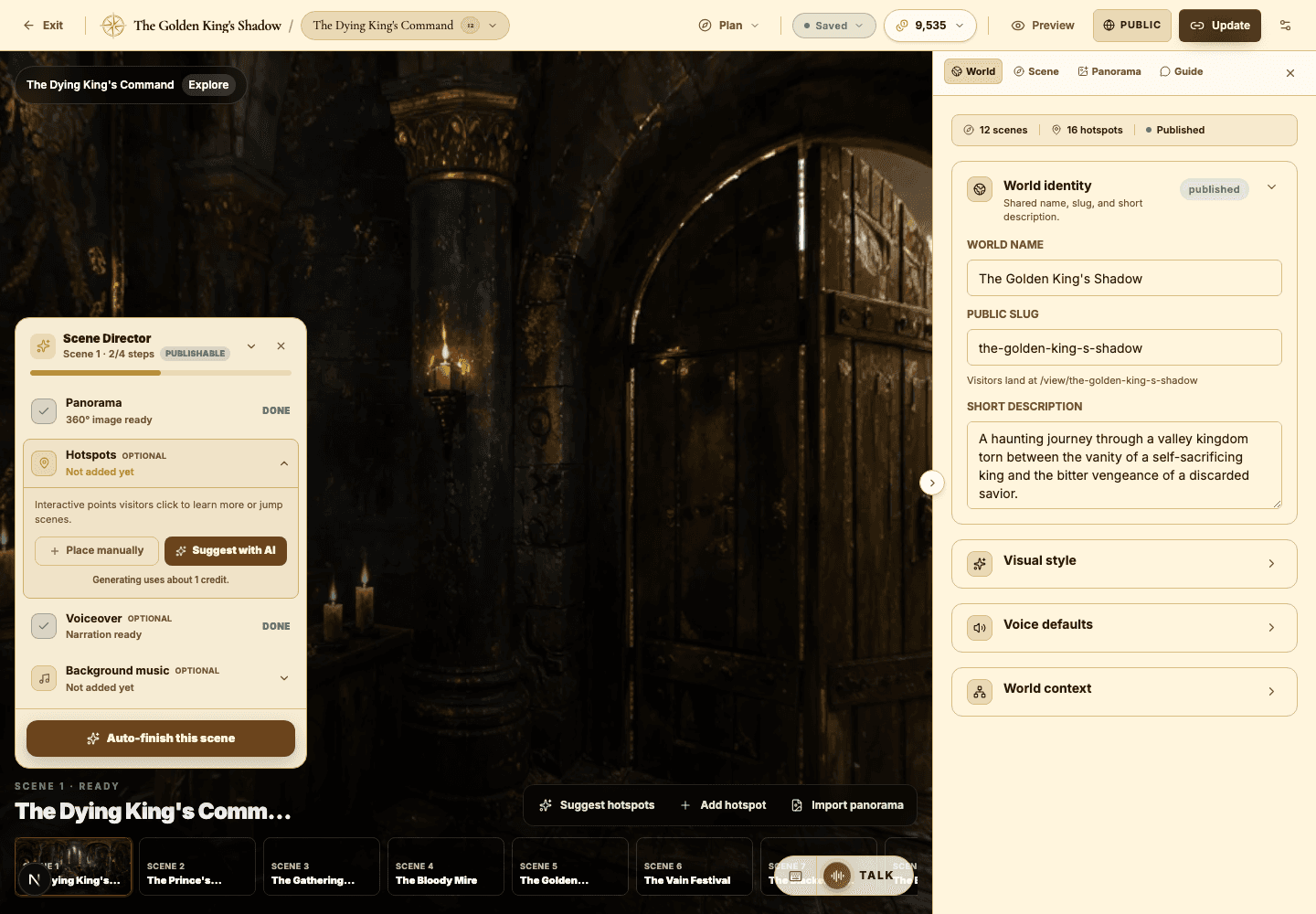
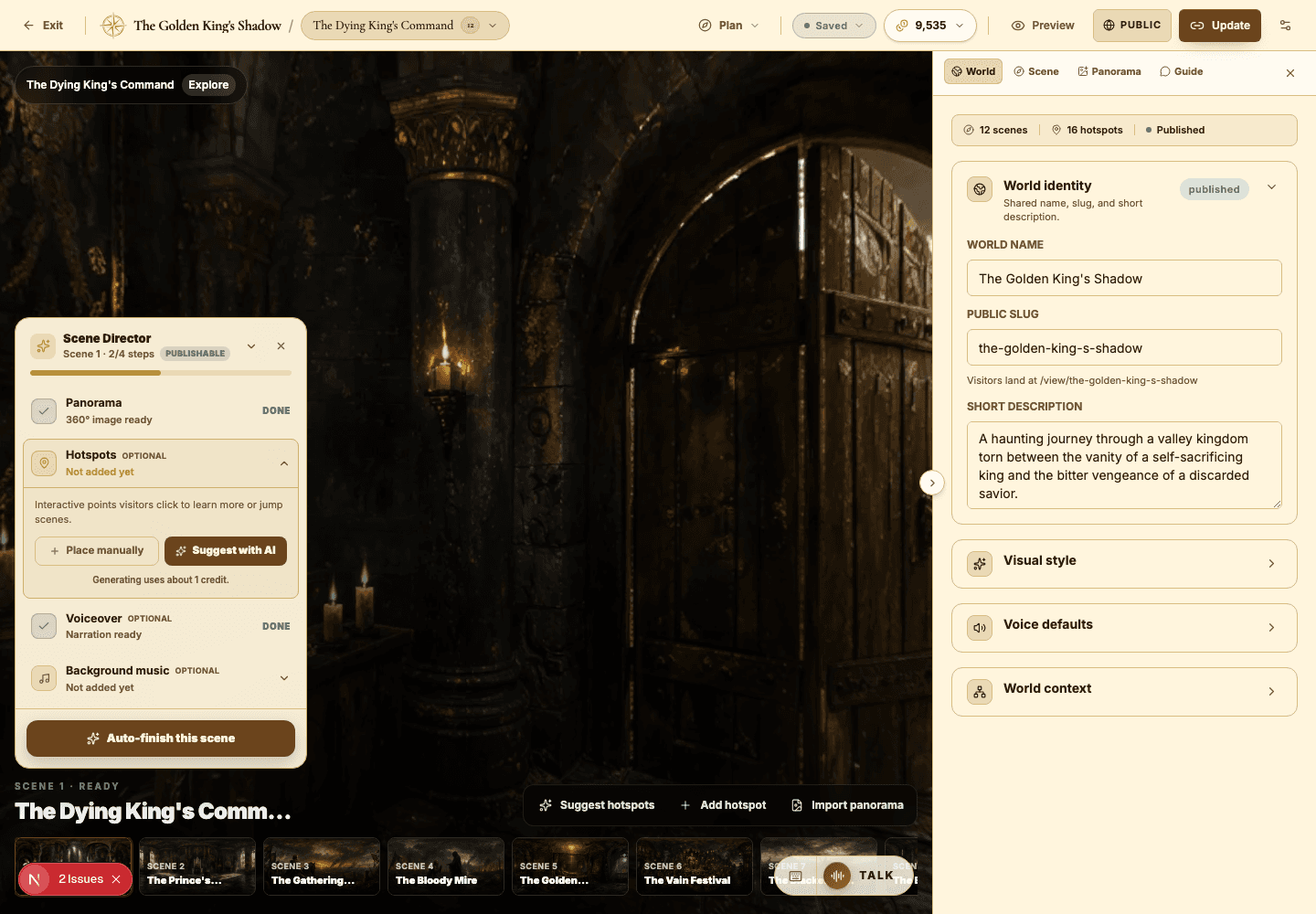
Related next lessons
Build
Builder workspace orientation
Get fluent with the main builder regions: the top toolbar, panorama canvas, Scene Director, scene strip, and inspector.
ContinueImprove
Voiceover, narration, and background music
Use audio to pace your world and set its mood — without ever overwhelming the visitor.
ContinueTroubleshoot
Troubleshooting common creator issues
Fix sign-in, access, generation, publishing, audio, AI Guide, and viewer problems — fast.
Continue