Improve
Creator
Playbook
Playbook: product showroom
Prototype an interactive product environment with benefit-led hotspots and guided sales context.
Product showroom
Goal
Create a product world that helps prospects feel the value — by inspecting features in context, not reading a spec sheet.
When to use it
- You are prototyping a launch, a showroom, a campaign, or a sales-enablement experience.
- You want visitors to examine product features the way they would in person.
- You need a shareable link before investing in custom 3D production.
Step-by-step walkthrough
- Define the product promise and the single biggest question your buyer has.
- Build scenes as a journey: first impression, feature zones, proof, comparison, and a clear call to action.
- Make every hotspot benefit-led — what it does for the buyer, not just what spec it has.
- Use media for demos, testimonials, or product footage wherever it strengthens the case.
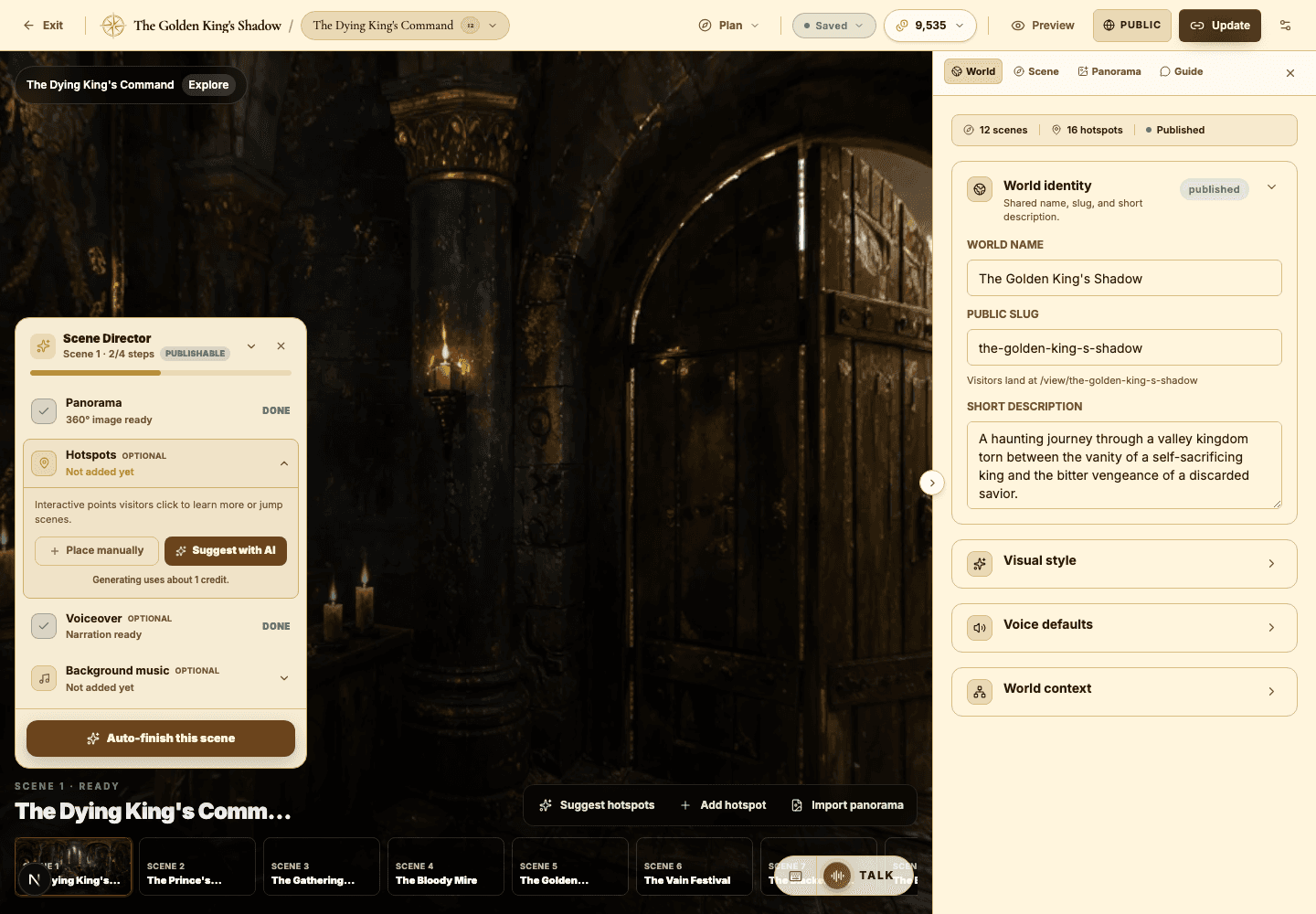
- Configure the AI Guide as a product host who answers practical, real-world questions.
- Publish unlisted for stakeholder review before any public sharing.
Best practices
- Carry brand constraints into the World Builder idea and the visual style settings.
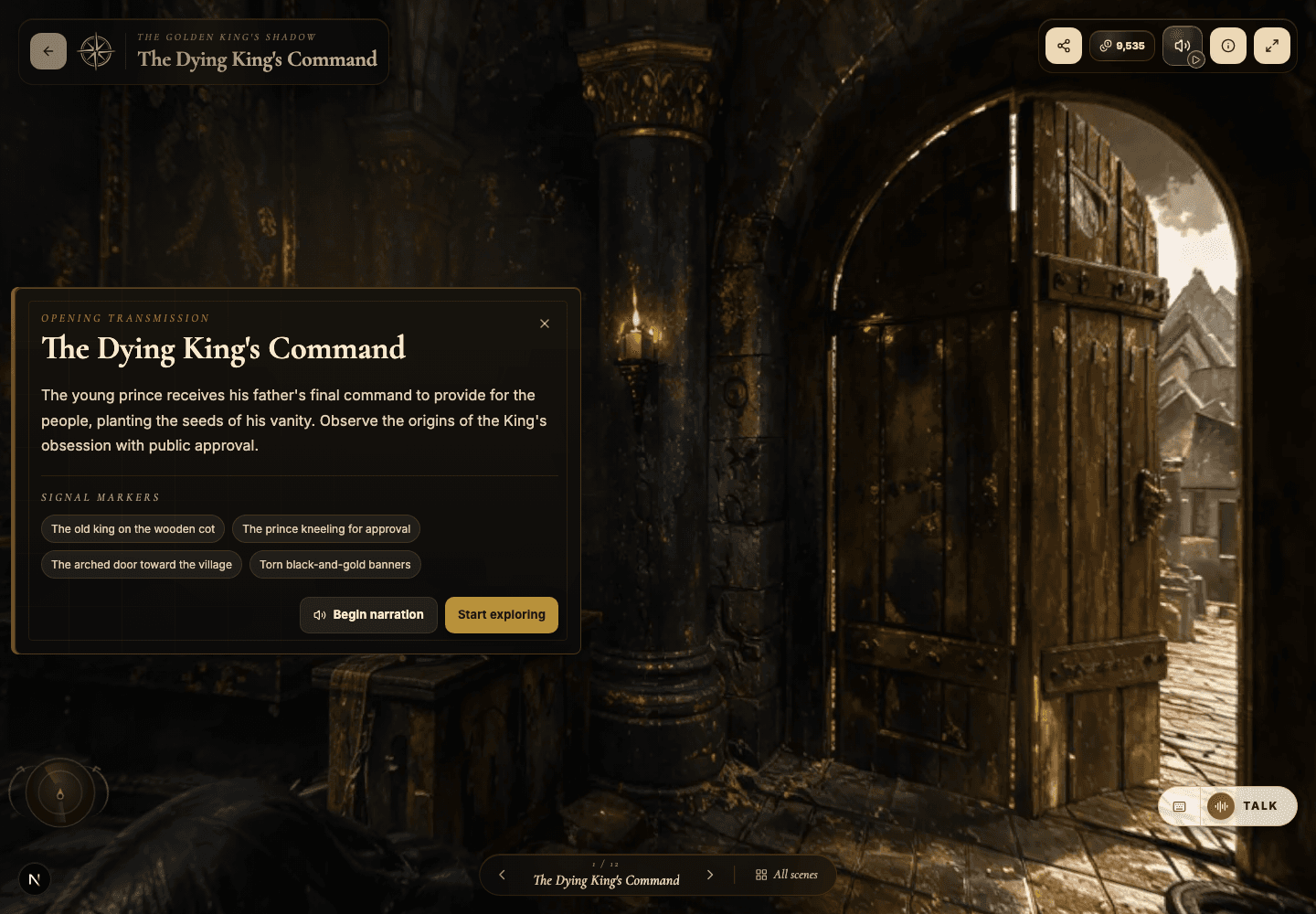
- Make the first scene show what the product actually is — not just a mood.
- Tie hotspots to buyer objections and the outcomes that overcome them.
- Keep navigation simple; sales contexts reward clarity over cleverness.
Avoid these mistakes
- Letting the world feel like a generic sci-fi room instead of your product.
- Burying the core value proposition in a later scene.
- Padding the experience with decorative narration that adds nothing.
Go deeper
- A great showroom makes value inspectable — the prospect sees it, not just hears about it.
- Use portals to walk the buyer from problem to solution to proof.
- The AI Guide can handle objections well — if your scene and hotspot copy give it enough to work with.
Screenshot callouts
Related next lessons
Build
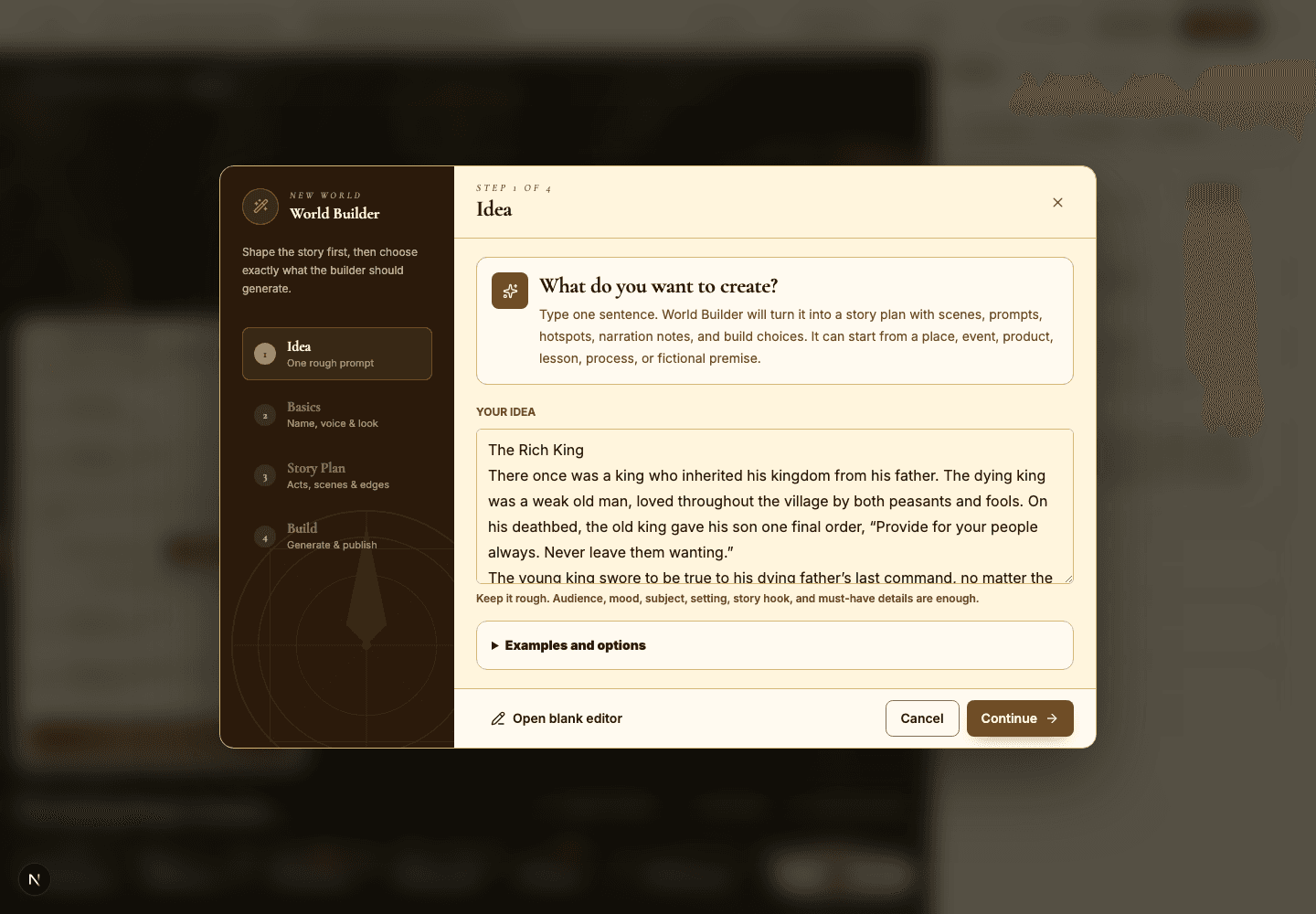
World Builder: idea to story plan
Turn a rough idea into a structured world plan, complete with scene cards, prompts, and generation choices.
ContinueImprove
Hotspots, narration hotspots, and portals
Design clickable moments that teach, tell a story, and move visitors smoothly through connected scenes.
ContinuePublish
Previewing, publishing, and Explore
Check readiness, choose the right visibility, push updates to live worlds, and decide when a world belongs in Explore.
Continue