Start
Creator
Build your first world
A complete first-time workflow, from signing in to a polished, previewable 360-degree world.
EducationMuseum or exhibitStoryworldProduct showroomTravel or real estateTraining
Goal
Ship your first real world — one with a generated or imported panorama, at least one hotspot that earns its place, and a visitor flow you have actually previewed.
When to use it
- You are building on scenescape.io for the very first time.
- You want a safe, deliberate path that avoids burning credits on guesswork.
- You need a quick demo world to show stakeholders before committing to a larger production.
Step-by-step walkthrough
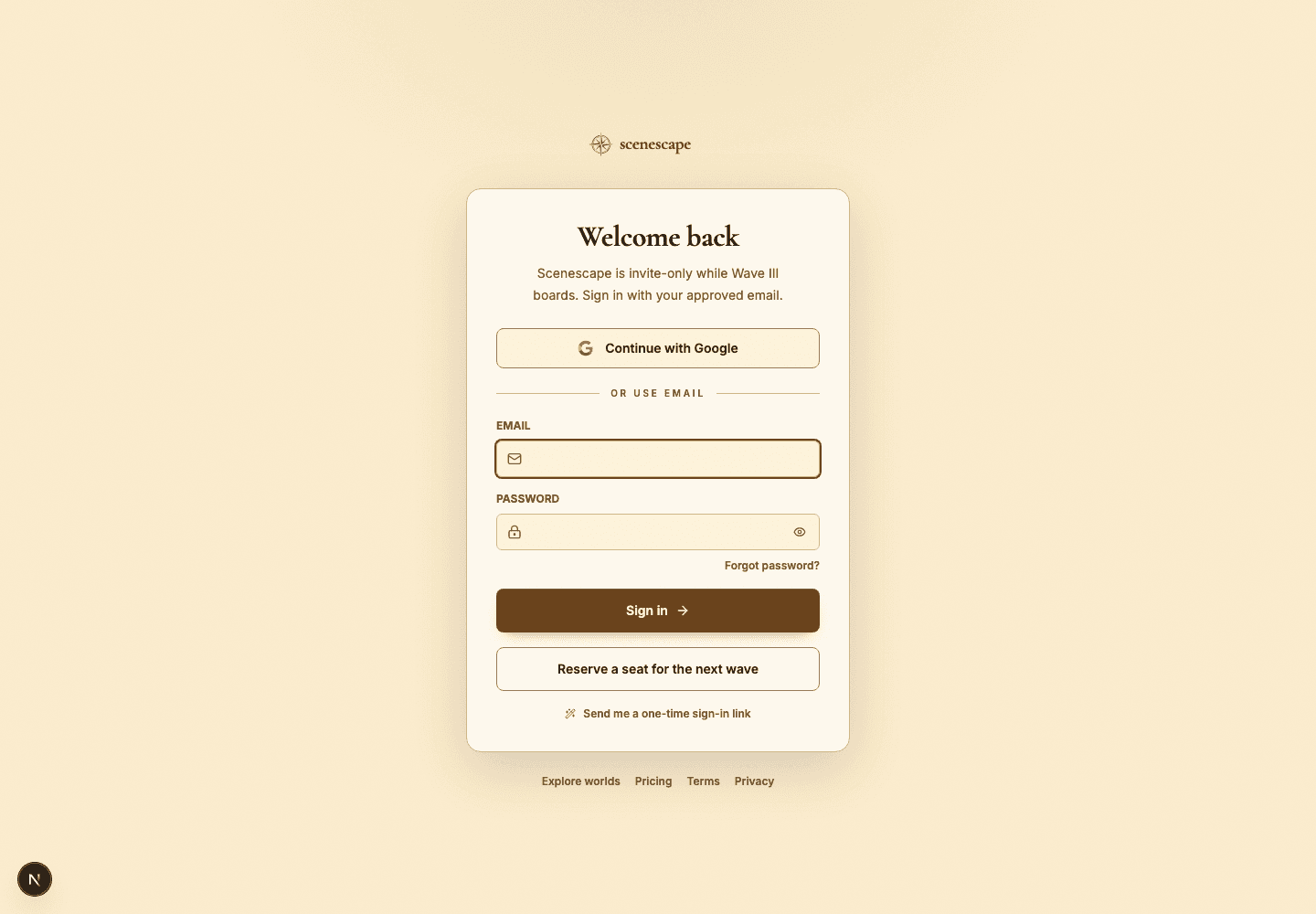
- Sign in with your approved creator account and open Studio — this is where every world begins and lives.
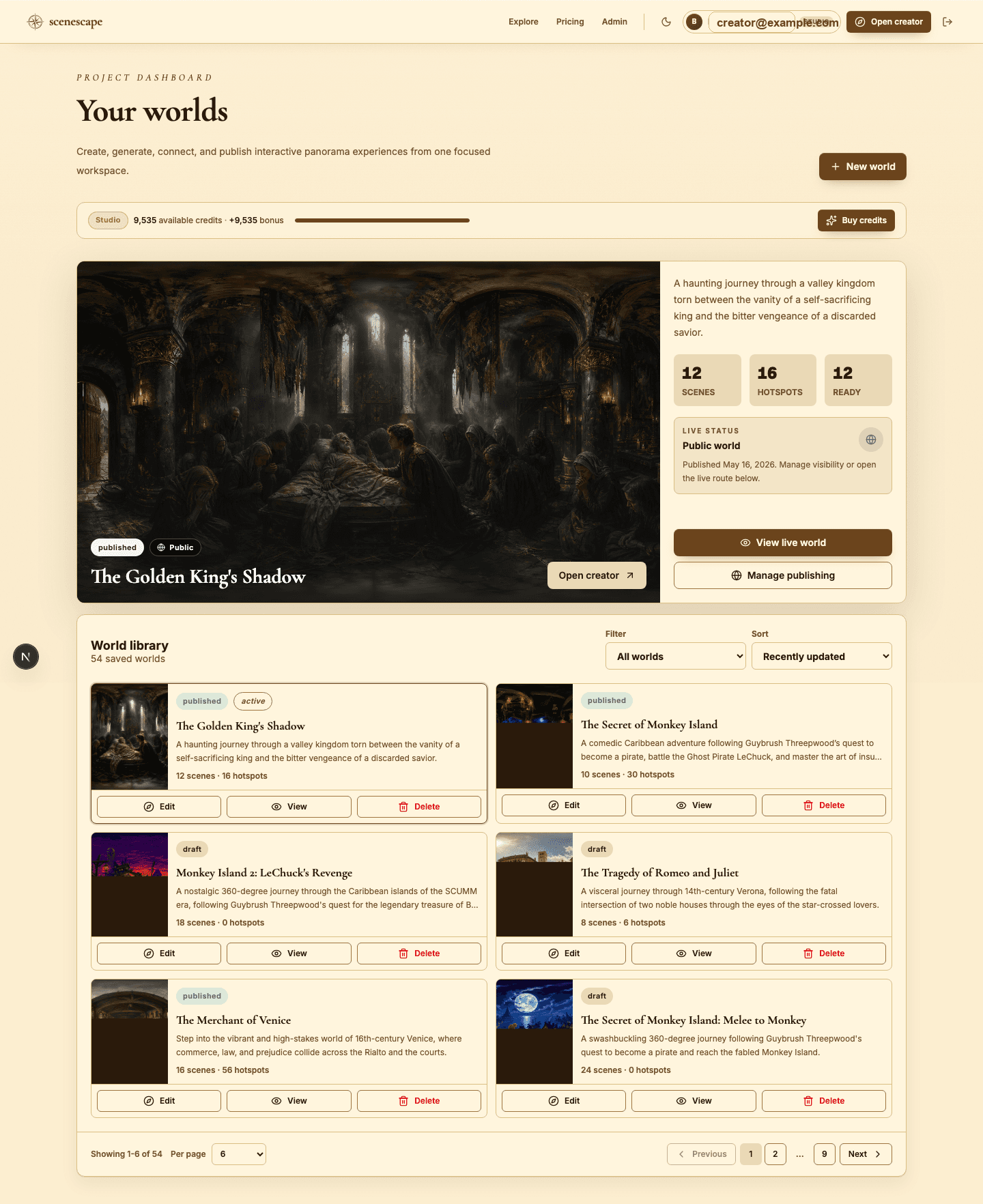
- From the dashboard, click New world (or Open creator) to launch a fresh build.
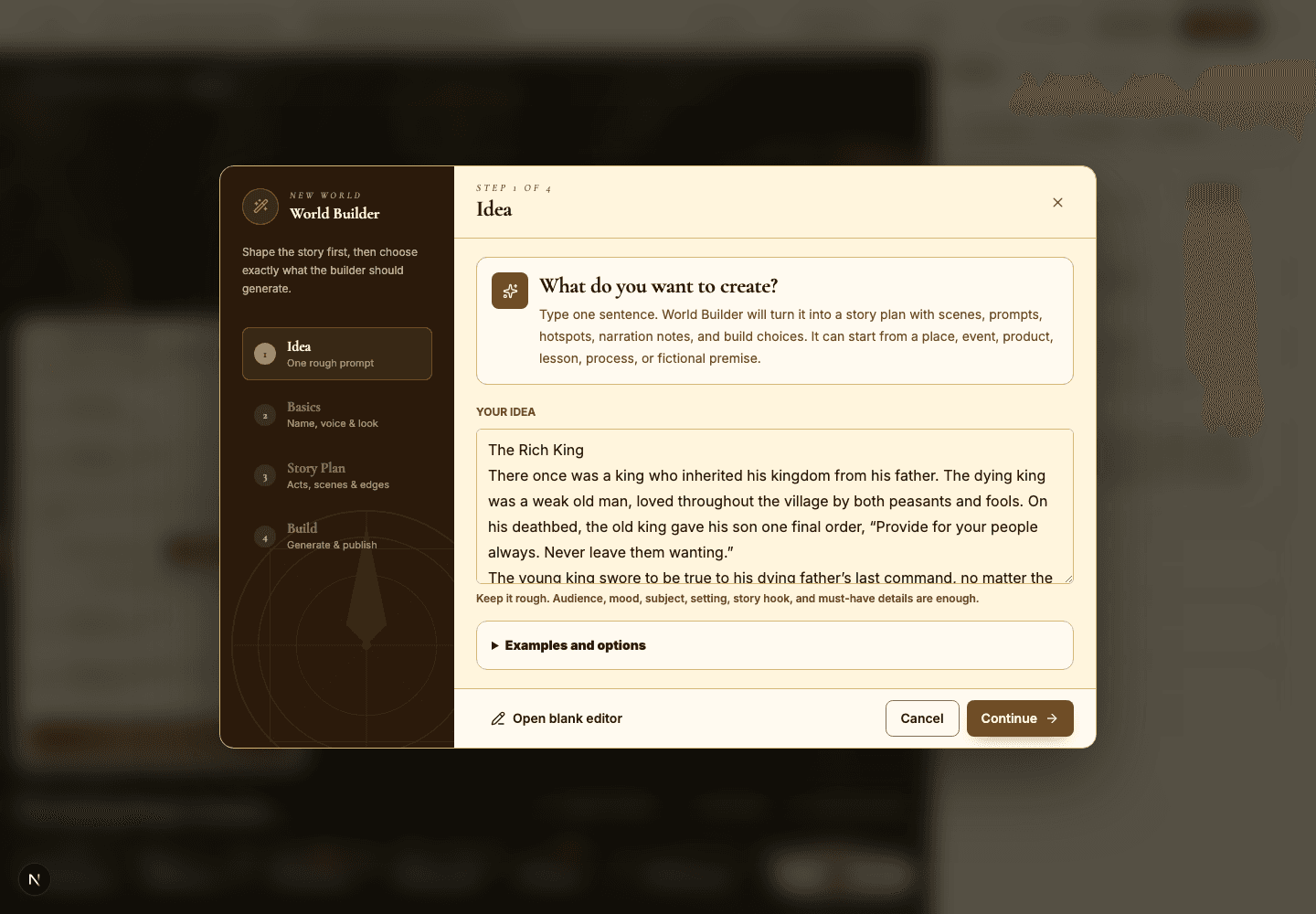
- Pick your path: use World Builder to let AI draft a full plan, or open a blank editor if you already know exactly what you want.
- Write one sharp sentence that names the subject, the audience, the mood, and the outcome — for example, 'A calm museum tour of deep-sea creatures for curious 10-year-olds.'
- Review the generated story plan carefully before you generate any scenes. This is your cheapest chance to fix structure.
- Generate or import your first panorama, then add a single hotspot that explains why this scene matters.
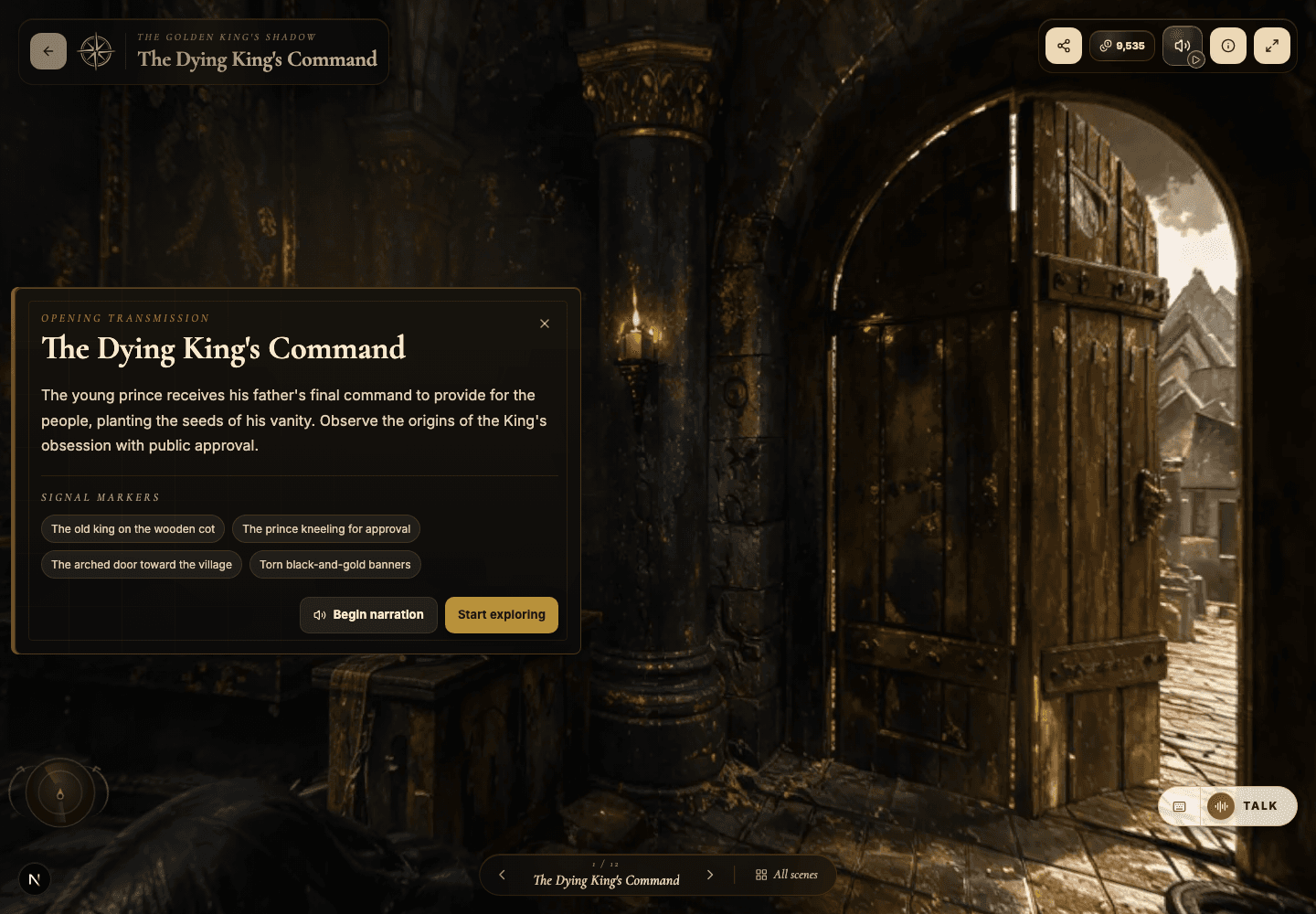
- Open Preview and watch your own world as a visitor. Ask: do I know where to look, and what to do next?
- Publish privately or unlisted first. Make it public only once the route and the copy genuinely feel ready.
Best practices
- Generate at medium quality while you are still iterating — save high quality for scenes you are sure about.
- Finish one scene end to end before generating a big batch, so you learn what works first.
- Title scenes in plain language so a visitor always knows where they are standing.
- Place your first hotspot right on an obvious visual anchor — a door, a sign, a key object.
Avoid these mistakes
- Skipping Preview and publishing a world that still has placeholder scene text.
- Generating every scene at high quality before the route through them is proven.
- Writing an idea that is only a mood — with no subject and no visitor purpose.
Go deeper
- A great first world is narrow enough to actually finish, but broad enough to show what the platform can do.
- Your first scene quietly teaches the visitor how the rest of the world will behave — design it last, on purpose.
- Unlisted publishing is the safest way to gather honest feedback before opening a world to public discovery.
Screenshot callouts
Related next lessons
Build
World Builder: idea to story plan
Turn a rough idea into a structured world plan, complete with scene cards, prompts, and generation choices.
ContinueBuild
Builder workspace orientation
Get fluent with the main builder regions: the top toolbar, panorama canvas, Scene Director, scene strip, and inspector.
ContinuePublish
Previewing, publishing, and Explore
Check readiness, choose the right visibility, push updates to live worlds, and decide when a world belongs in Explore.
Continue