Improve
Creator
Viewer
AI Guide and quiz mode
Configure scene-level guidance so visitors can ask questions, get help, or be quizzed right inside the world.
EducationMuseum or exhibitStoryworldProduct showroomTravel or real estateTraining
Goal
Build an AI Guide that fits the world, speaks to the right audience, and helps visitors genuinely understand what they are looking at.
When to use it
- Visitors are likely to have questions while they explore.
- The world is educational, interpretive, or training-oriented.
- You want quiz mode to check whether visitors understood the material.
Step-by-step walkthrough
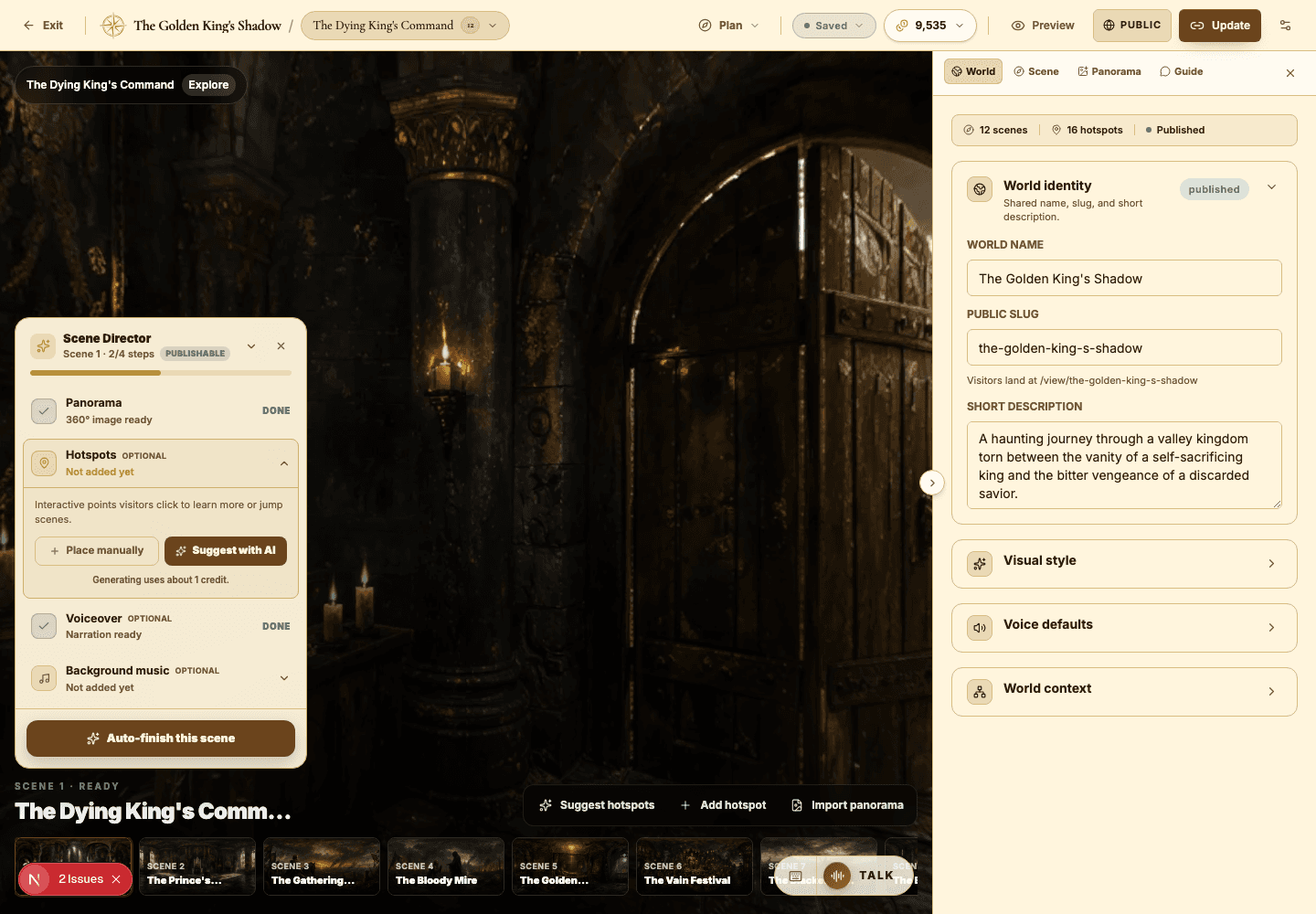
- Open the Guide tab in the builder inspector.
- Choose the mode: Ask mode for open-ended support, or Quiz mode for assessment.
- Pick a persona that fits the world — a tutor, a field researcher, an exhibit host, an investigator.
- Set the audience level so the guide's answers land at the right depth for your visitors.
- Add suggested questions that model the kind of conversation you actually want visitors to have.
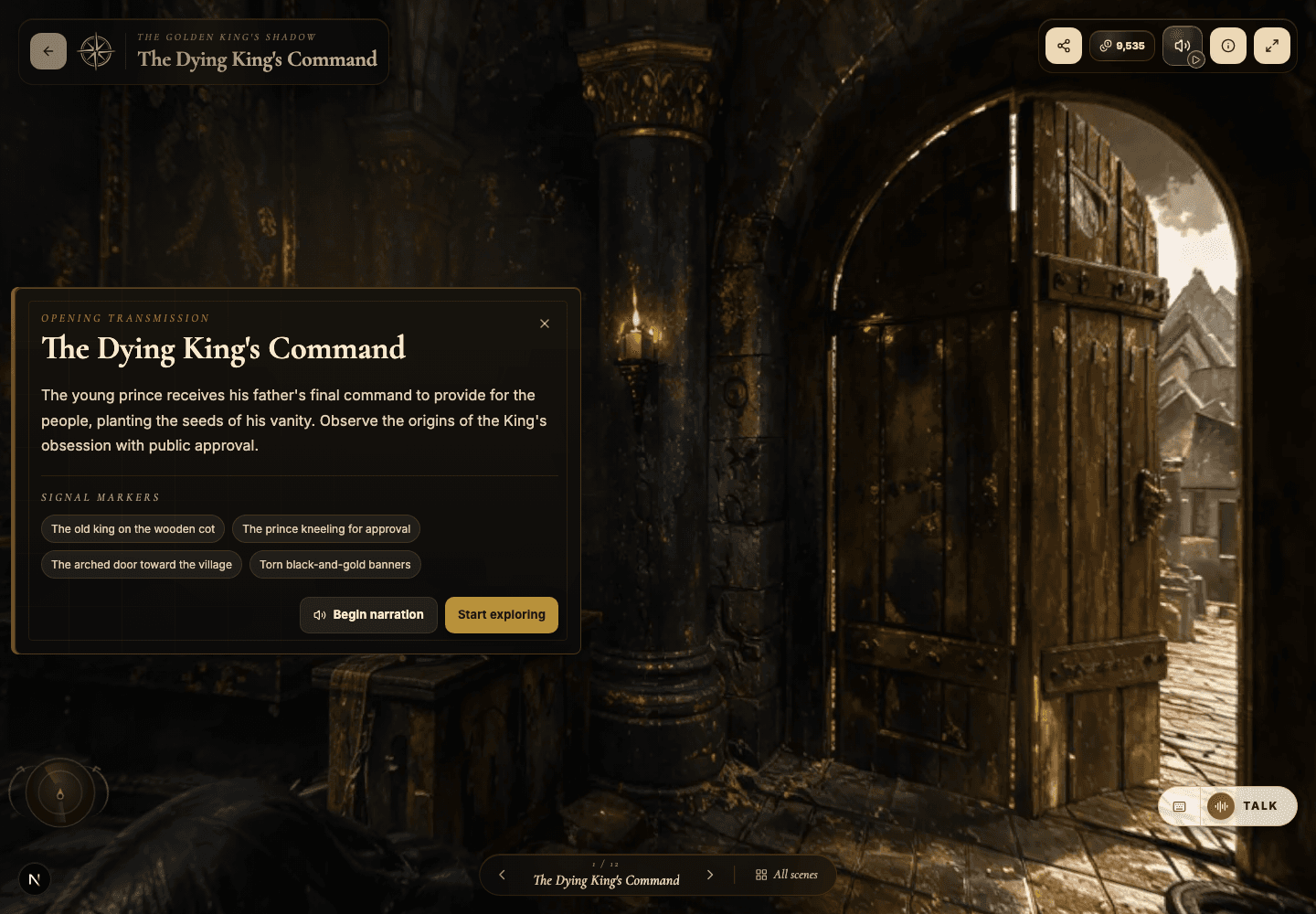
- Open the public viewer and test the guide with at least three realistic visitor questions.
- If the guide comes up short, enrich the scene story text and hotspot copy — that is the context it draws from.
Best practices
- Tell the guide what role to play, not just what topic to cover.
- Use suggested questions as gentle steering for visitor behavior.
- For quiz mode, make every question answerable from visible scene details and hotspots.
- Vary guide settings between scenes when their learning goals differ.
Avoid these mistakes
- Leaving the guide enabled without ever testing it against real visitor questions.
- Giving the guide a theatrical persona that clashes with a practical use case.
- Expecting the guide to paper over scene context that simply isn't there.
Go deeper
- The guide is only as good as its source material — strong story text, hotspot copy, and a defined visitor goal make it shine.
- Ask mode fuels discovery; quiz mode drives retention. Choose based on what the scene needs.
- Live voice can be powerful, but text chat is usually easier to test and refine first.
Screenshot callouts
Related next lessons
Improve
Voiceover, narration, and background music
Use audio to pace your world and set its mood — without ever overwhelming the visitor.
ContinueView
Viewer guide
Understand the public viewer end to end — so creators design better worlds and visitors explore with confidence.
ContinueImprove
Playbook: immersive educator lesson
Design a lesson world with clear learning objectives, guided questions, and quiz-ready scenes.
Continue